Copyright OpenHelix. No use or
reproduction without express written consent
13
Galaxy Interface Behavior
Get UCSC Main
Once you click that
menu heading, links to various actions will appear. These actions will allow
you to obtain, prepare, manipulate and analyze data depending on which menu
heading you’ve chosen. Here we have links to various databases from which to
obtain data.
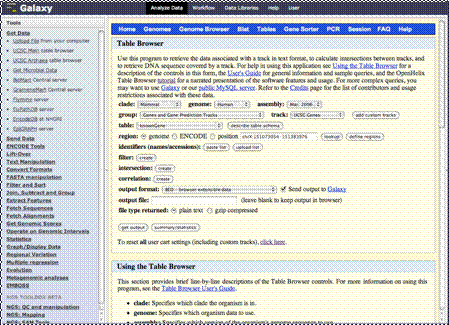
We are going to
click the link that says “UCSC Main table browser.” This will take us to the
UCSC Table Browser, which would show up in the center column here.We would obtain data and export it
here back to Galaxy. We’ll introduce you to the mechanics of that in the next
section. Right now, we’ll show you some sample imported data in Galaxy for a
region of the human genome.