Copyright OpenHelix. No use or
reproduction without express written consent
14
Data Uploaded
Click Title for Summary
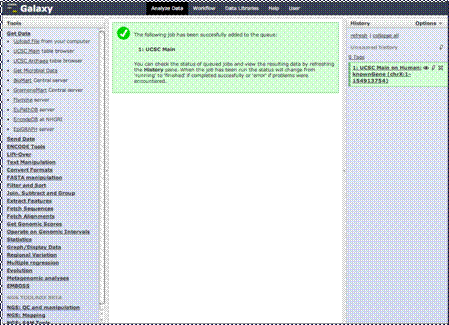
You’ll see that once
the data has been imported, you’ll receive a message in the middle column to
that effect. On the right hand history column, you’ll see your imported data
summary.
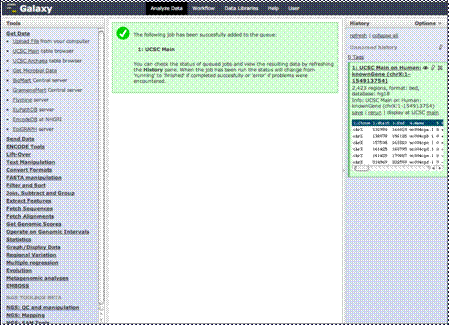
You can view a
summary and sample of the data by clicking the heading link.This will tell you some basic
statistics, show an example of the data and the data columns, and have links
to give you the ability to view the data or edit the data summary.