|
|
|
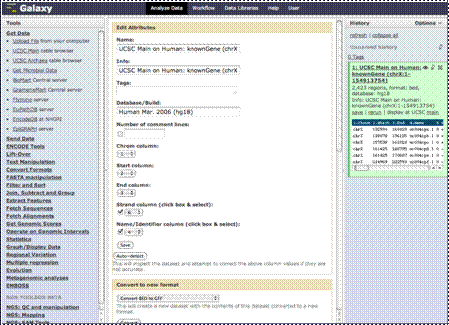
The edit window will
now appear in the center column. Here you can edit attributes like the name
of the data file, information on how it was obtained, column information and
more.
|
|
You can also convert this to a new data
format, or the designated data type, if the Galaxy software had incorrectly
assigned it.
|
|
|
|
As you upload other
data files, modify files you have and perform analyses, each step will show
up here in the right column, the “History” column, where our first step is
currently showing.
|
|
|
|
You will have
options of actions you can perform on this history. Clicking on the “Options”
link here will take you to that menu, which we will look at in more detail
later in this tutorial.
|