|
|
|
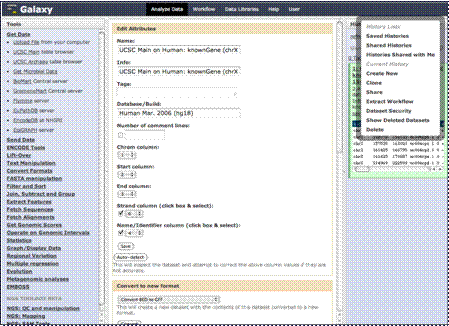
Your history options
will appear here in the middle column.
|
|
|
|
One word of warning,
most of these options will not be available to you unless you have registered
on the site as we briefly explained earlier.
|
|
|
|
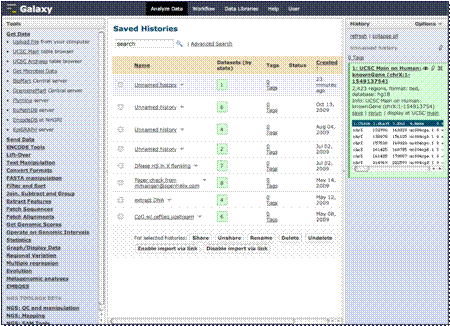
Here you can rename
the history of your analysis or list previously stored histories. Any
analysis sessions you perform while logged in will be saved and you can
access, rename or delete those histories here. You can also switch to a
previous history if needed, or share a history of your analysis to another
user. This allows the user to perform many analyses without fear of losing
steps and be able to reproduce the analysis at a later date. This is a very
useful tool to save, build on or modify, and rerun complicated analyses.
|
|
|
|
Galaxy has also
instituted a “Workflow” function. This allows the user to create a workflow
or series of steps, from a history or from scratch, of frequently repeated
analysis steps. This workflow can then be revisited and run again on a
different set of data and shared with other users.
|
|
We’ll be looking at both histories and
workflows in more detail in a later section.
|