|
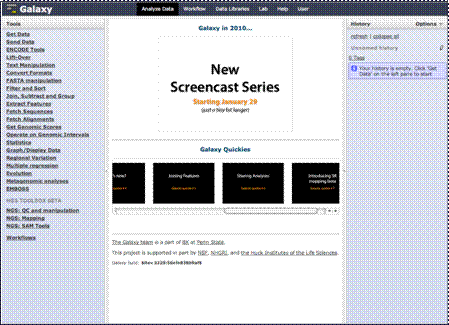
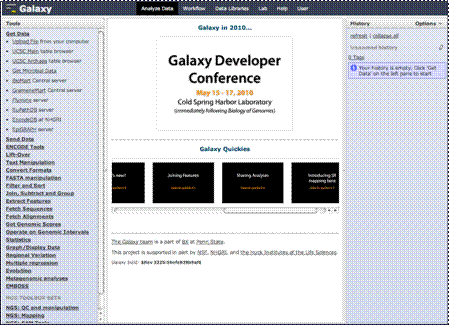
As Galaxy expands,
you’ll find that there will be many more sources added to this already
impressive list. Here you will find access to large amounts of data from the
UCSC genome database, the BioMart database, your own data and several other
sources. In this section, we will show you the UCSC Table Browser, and
introduce you briefly to others such as how to upload you own data and how to
access data from BioMart.
|