|
|
|
Once you obtain the
data you need, you are then able to prepare, sort and filter that data in
Galaxy.
|
|
|
|
There are many tools
available to you in Galaxy to do this. We are only going to show you few to
get you started, but do check out the many tools available to you.
|
|
|
|
Here we are going to
start with the data we uploaded from the UCSC Table Browser in the earlier
section.
|
|
|
|
Often, data has more
columns than we need or we would like to rearrange that data. This is where
“Text Manipulation” can help. Here you’ll find many tools to allow you to
manipulate your text.
|
|
|
|
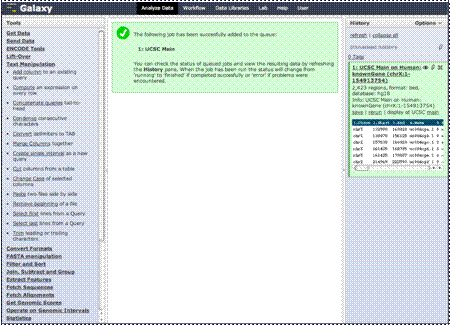
We are going to cut
some columns out of this data. We only need the chromosomal location, gene
names, strand and exon count, so we are going to limit our data to those by
clicking the “Cut columns from a table” link.
|