|
|
|
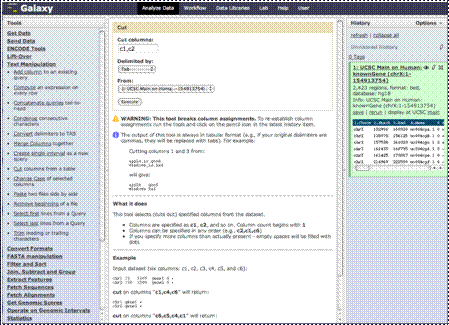
Once you click that
link, you’ll find some choices. “Cut” here doesn’t mean “cut out and delete,”
but rather to cut out and save as a separate file.
|
|
|
|
So, in other words,
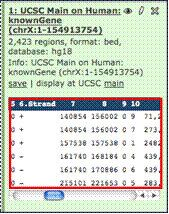
if you look at our columns from our uploaded data, you’ll see we want columns
1 through 4, 6 and 10. So, we’ll cut those out and save them as a new
dataset.
|
|
|
|
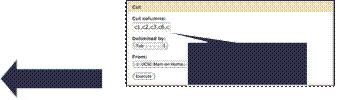
So, we’ll put in the
“Cut columns” text box as “c1,c2,c3,c6,c4,c10”
|
|
|
|
Notice we’ve
rearranged the columns too, by putting column 6 (the strand), before column 4
(gene ID), we’ll rearrange those columns in our new dataset.
|
|
|
|
So, we click
“Execute”, and we’ll now have a dataset with 6 columns in the order we want
them to be.
|