Copyright OpenHelix. No use or
reproduction without express written consent
30
Preparing Data: Change Attributes
ChrXGenes
Save
Edit Attributes
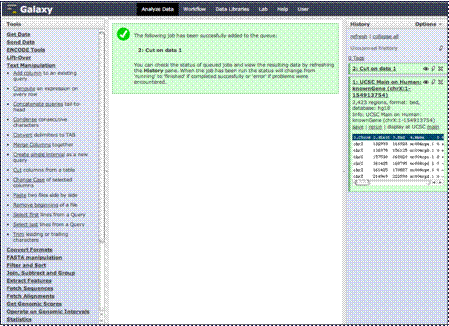
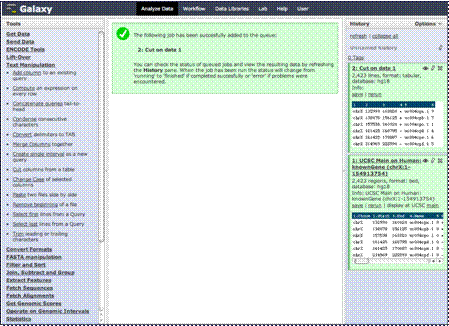
As you see, we’ve
now eliminated unnecessary data columns and have a new dataset. The name
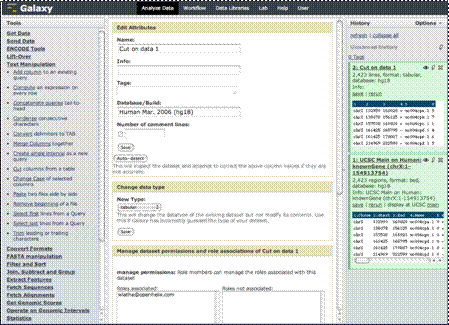
isn’t particularly descriptive, so we are going to change the name by
clicking on the pencil icon to edit attributes.
In the “Name” text
box, we’ll type “ChrXGenes” and click “Save.”