
slide32_1.tiff
Copyright OpenHelix. No use or reproduction without express written consent
32
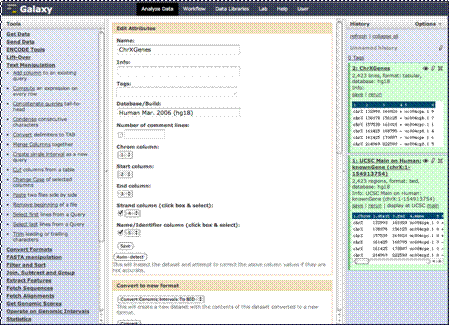
Preparing Data: Select Columns

Chrom column: 1
Start column: 2
End column: 3
Strand column: 4
Name column: 5
向右箭號: Save
Save
You’ll now see a series of pull down menus that ask you to define your columns correctly. There are three required columns, chromosome number and the start and end locations. These are usually detected and selected for you. There are also two other columns you can select. Our strand column is “4” and the “Name/Identifier” column is “5.” We will check these boxes, change the numbers to that in the pull down menus and click “Save”.
