|
|
|
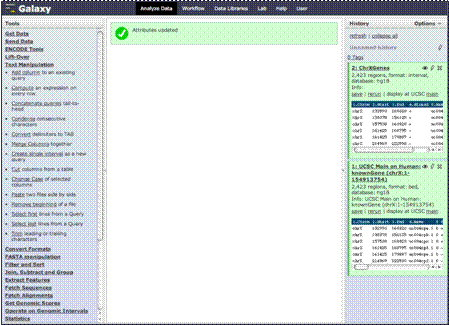
This will now change
our data type to “Interval”. Now our columns are defined and we are ready to
further process and analyze our data.
|
|
|
|
There is also many
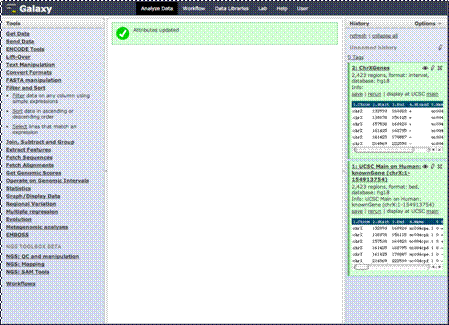
other things you can do with the data. Here is a menu that allows you to
filter and sort the data on columns.
|
|
|
|
We will click that
menu heading.
|
|
|
|
You’ll see several
choices.
|
|
|
|
Let’s say we want
only those genes that have a certain number of exons.
|
|
|
|
We can filter our
data by clicking this link to filter. You’ll see we can choose which dataset
we want to filter and the conditions.
|
|
|
|
|