Copyright OpenHelix. No use or
reproduction without express written consent
45
Analyzing Data: Joining Two Datasets
Execute
Datasets:
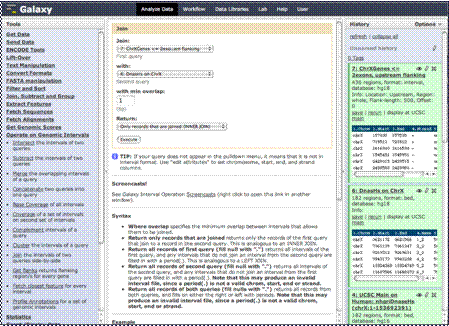
7: ChrXgenes <= 2exons, upstream
And 6: DnasHs on ChrX
You’ll see here
we’ve changed the name of the flanking regions data to “ChrXGenes <=
2exons, upstream flanking.” It’s not necessary, but go ahead if you want.
Once you click that
link, you will find this menu. Here you will choose the two datasets in your
history that you wish to join. We’ll choose the flanking regions and the
dataset of the Dnase hypersensitive sites.
We’ll leave the
minimum overlap as the default of at least 1, but we could have chosen a
higher minimum.
We’ll leave the
return menu as default to return only those data records that have overlap
and have been joined.