
slide60_2.tiff
Extract Workflow
slide61_1.tiff
Copyright OpenHelix. No use or reproduction without express written consent
58
Workflow: Create Workflow from History

Creates a workflow, allows
user to repeat analysis
using different datasets.
Warning: will not work in IE6

Create Workflow
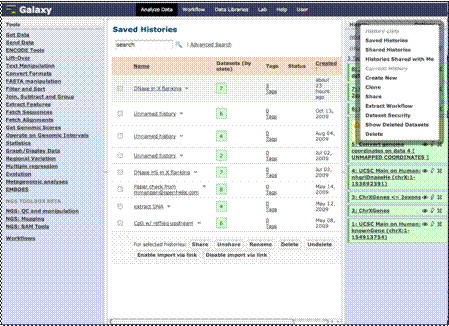
In the option menu, click “Extract Workflow to create a workflow.
When you have established and refined a series of analysis steps that might be handy to re-use in the future, you may want to create a workflow. A workflow stores your selected steps, and you can simply upload a new data set at any time and run the same series. This allows you and other users you share the workflow with to choose different datasets and then run the steps of the analysis automatically without having to perform each step individually.

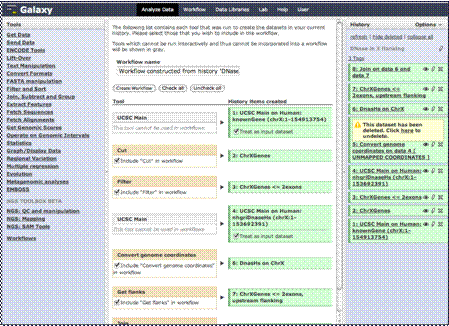
If you’ve done an analysis that is particularly useful and you want to regularly, you can create a workflow from the history by clicking that link we just did. You can name the workflow, and as you see here, the analysis steps are added. You can select which ones you want to keep and create the workflow.

Just a word of note, the workflows do not work well in IE6.