Copyright OpenHelix. No use or
reproduction without express written consent
59
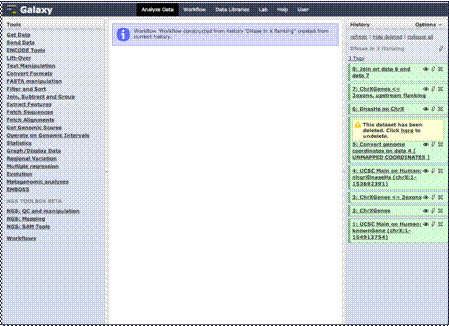
Workflow: View and Run Workflows
New Workflow
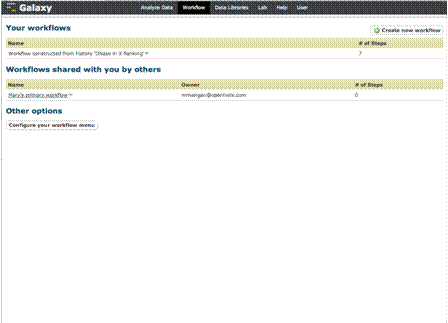
View Workflows
Once you create the
workflow, you can view all your workflows by clicking this link at the top of
the Galaxy site. You’ll see any workflows you created and those that were
shared with you by other users.
You can run a
workflow from this menu. So, for example, we could click the “Dnase HS in X
Flanking” and run that workflow.
But to give you a
better understanding of creating and running workflows, let’s create a new
simple one from the beginning by clicking this “Create new workflow” button.