Copyright OpenHelix. No use or
reproduction without express written consent
62
Workflow: Add Filter
Filter and Sort
Filter
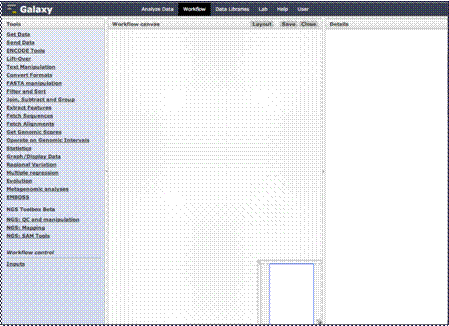
You’ll come to this
blank canvas on which to add your steps and flow. Let’s do a simple workflow
where the user inputs some gene location data and the the workflow analysis
filters the data for a specific chromosome and obtains the upstream flanking
regions.
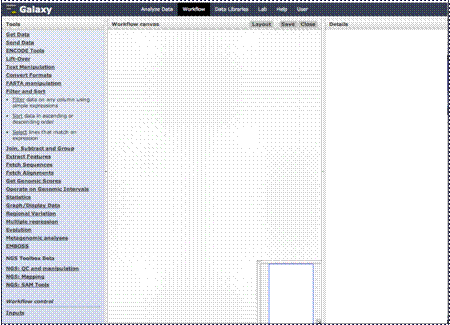
First, click the
“Filter and Sort” link in the left menu and then add a filter step by
clicking “Filter.”