Copyright OpenHelix. No use or
reproduction without express written consent
64
Workflow: Input Data and Connect Steps
Connect
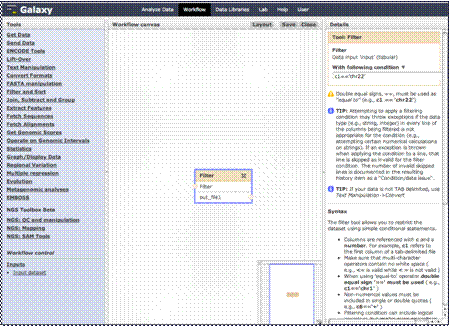
Ask for Input
Once that menu
opens, click “Input dataset” and the step will appear in your canvas and
details on the right. You can put the name and short description here.
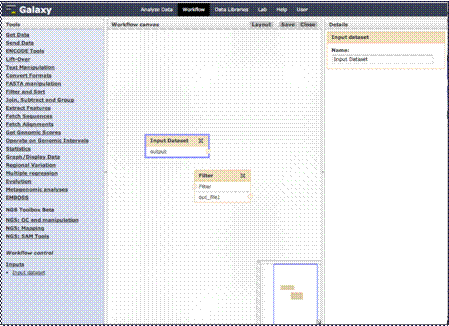
You can then connect
the steps.
If we want the flow
to start off with the user adding a dataset and then in the next step the
data will be filtered, we’ll click the circled greater than sign on the right
of the box and drag the mouse to the circled greater than sign on the left of
the next box.