Copyright OpenHelix. No use or
reproduction without express written consent
66
Workflow: Save and Close
Connect
Save & Close
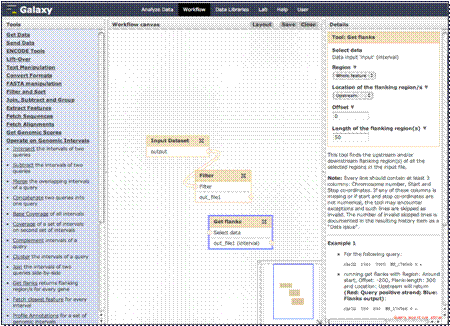
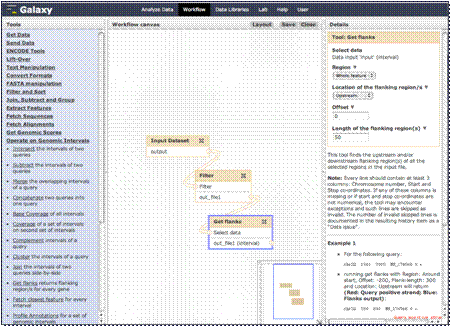
This will add our
third step. You can choose the region from which to get the flanking
sequence, and the location and length of the flanking region. We’ll leave all
this as default and save.
Connect the filter
step to the “Get flanks” step and then click the “Save” and “Close” buttons
above.