Copyright OpenHelix. No use or
reproduction without express written consent
67
Workflow: Add to Menu
Submit
Analysis
Once you do that,
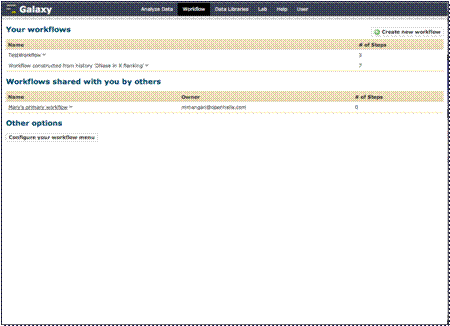
you are able to run the workflow from the workflow menu. You can also add it
to your Galaxy interface menu for easy access. Let’s do that here.
Click the “Configure
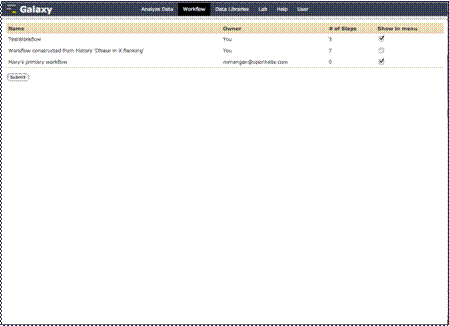
your workflow menu” button. Then select which workflows you want to show up
on the Galaxy menu, we’ll choose the one we just created, and click “Submit.”
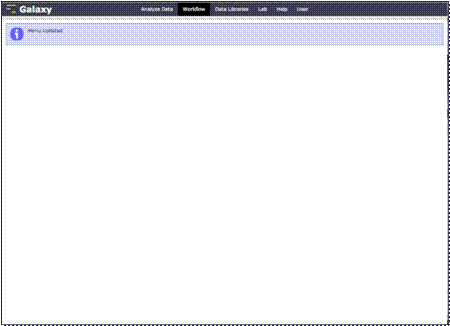
Your menu will now
be updated. We can see it if we go back to the Galaxy homepage by clicking
the “Analyze Data” link at the top.