Copyright OpenHelix. No use or
reproduction without express written consent
69
Workflow: Add Dataset Input

UCSC Table

group: Genes and … track: UCSC Genes
table: knownGene
region: genome

genome: Human assembly: Mar. 2006
New History
get output
Send to Galaxy
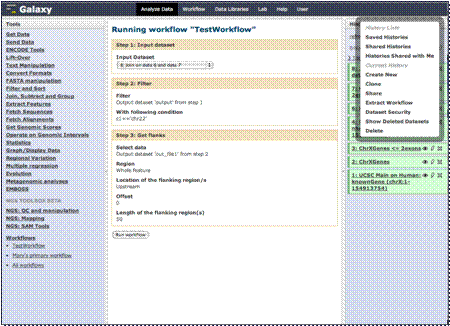
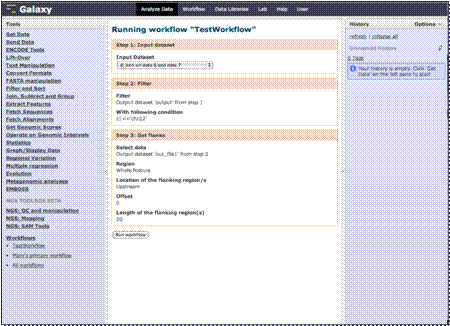
You’ll now see your
workflow with the input dataset prompt and the steps.
Let’s quickly clear
our history to start a new analysis.
Before we run this
workflow, we’ll need to add a dataset to analyze.
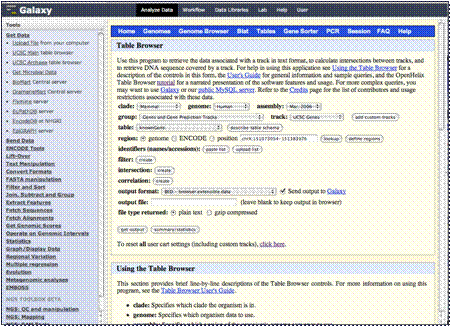
Let’s open “Get Data”
and get UCSC Table Browser Data.
We’ll obtain data from the Human genome,
March 2006 assembly, choosing the knownGene table in the UCSC Genes track
found in the Genes group. We’ll select the entire genome, leave the rest as
default and click “Get Output.”
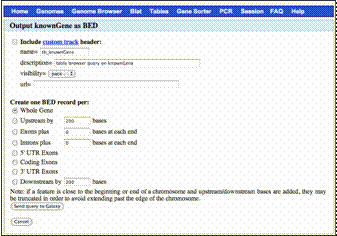
Leave the next form
at the defaults and select “Send query to Galaxy.”